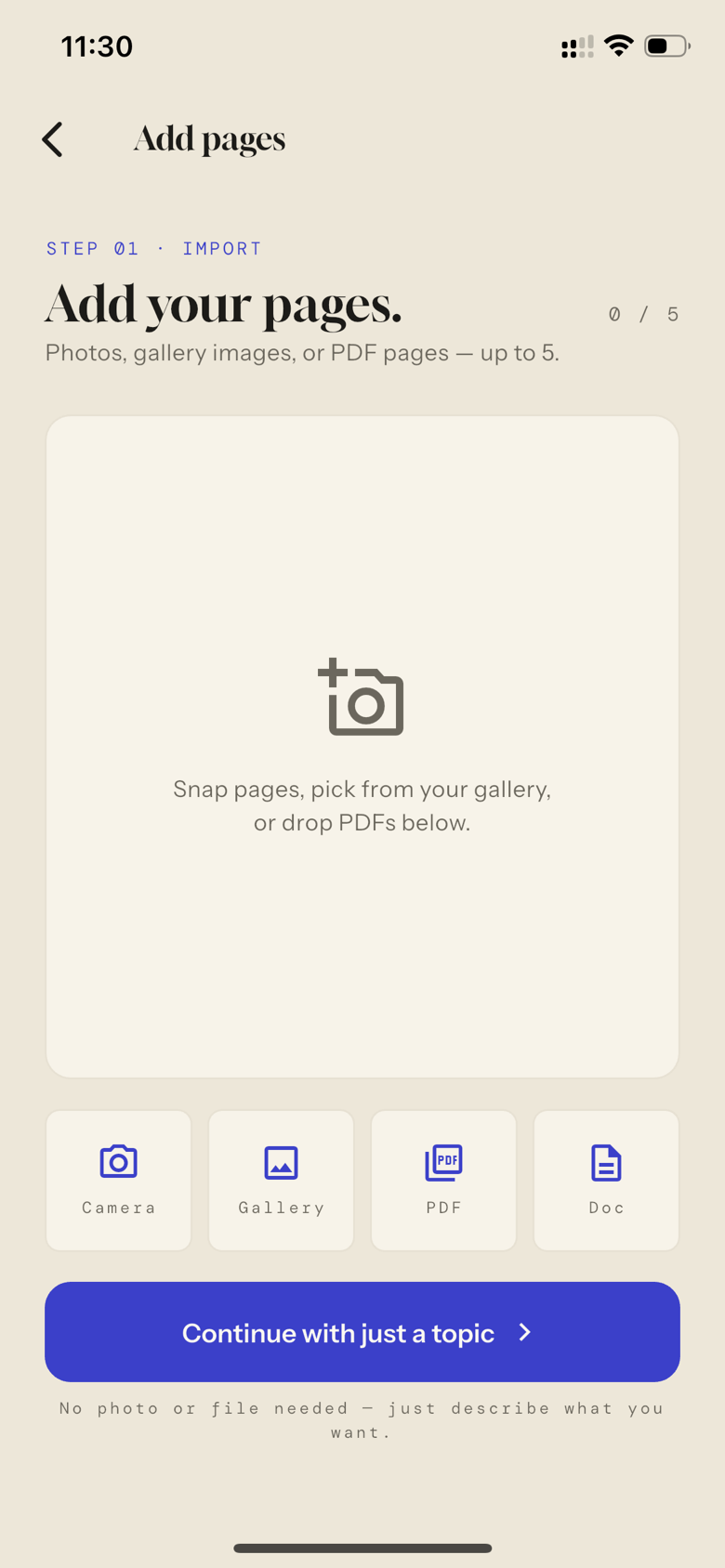
STEP 01 · IMPORT
Snap it.
A photo, a gallery image, or a PDF — any textbook, any chapter, even handwritten notes. Or skip the page and start from just a topic.
SheetGenie · Available now
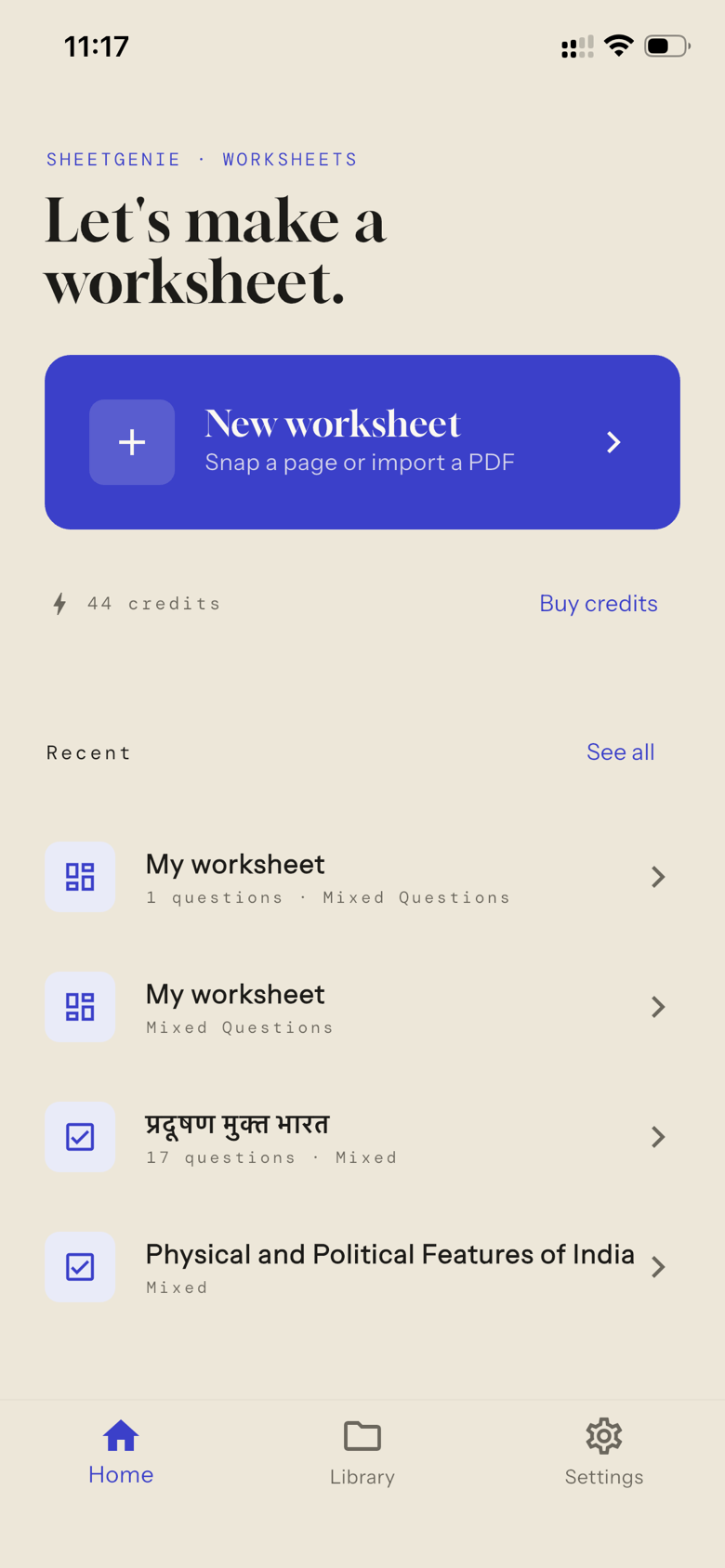
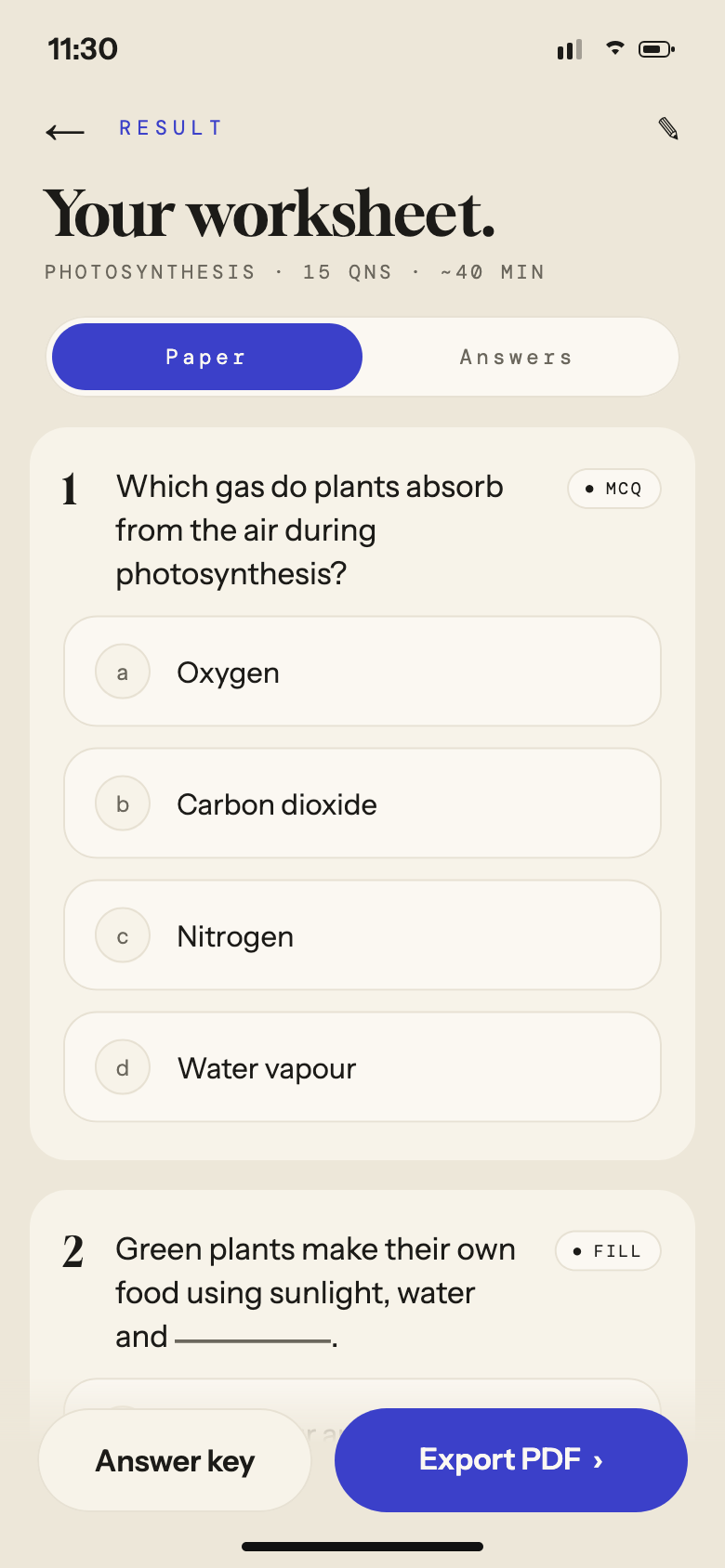
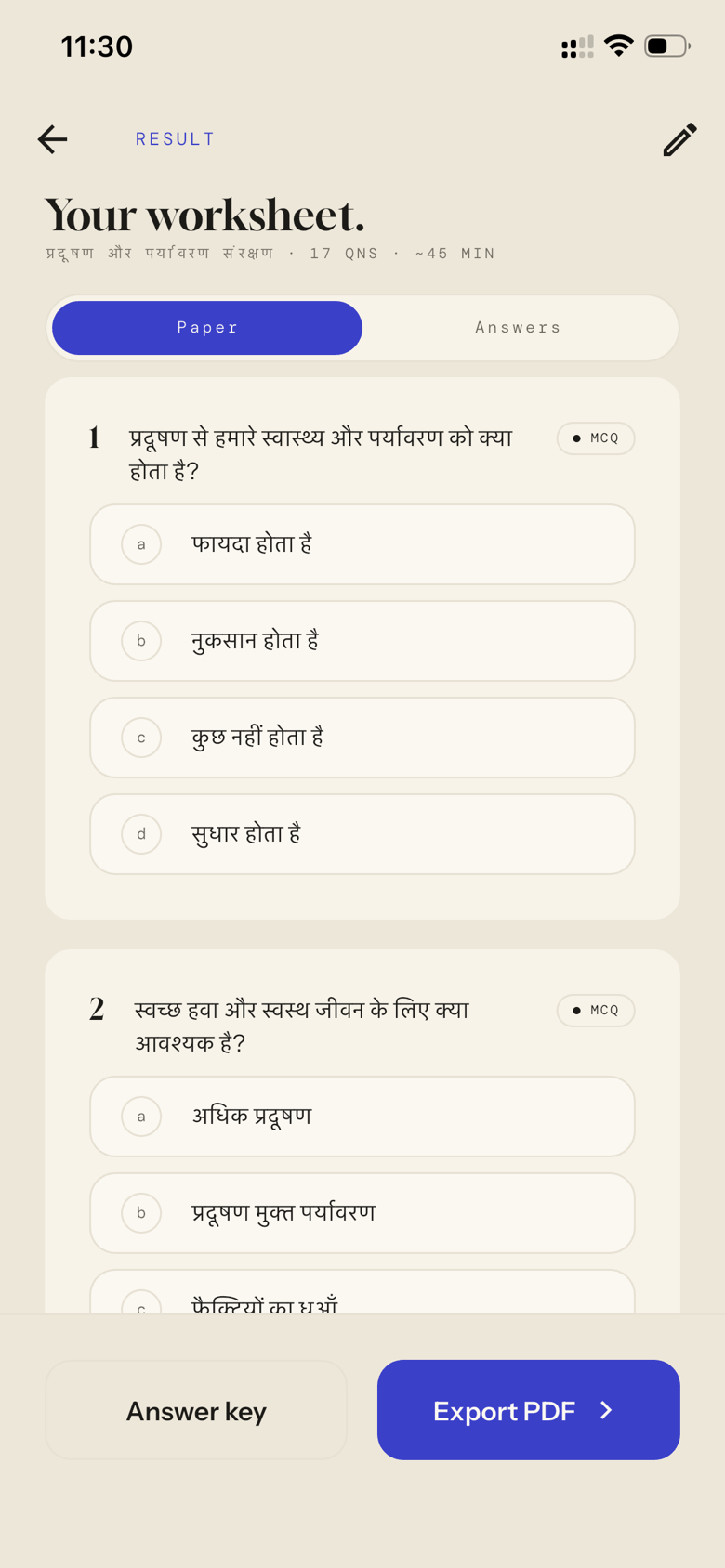
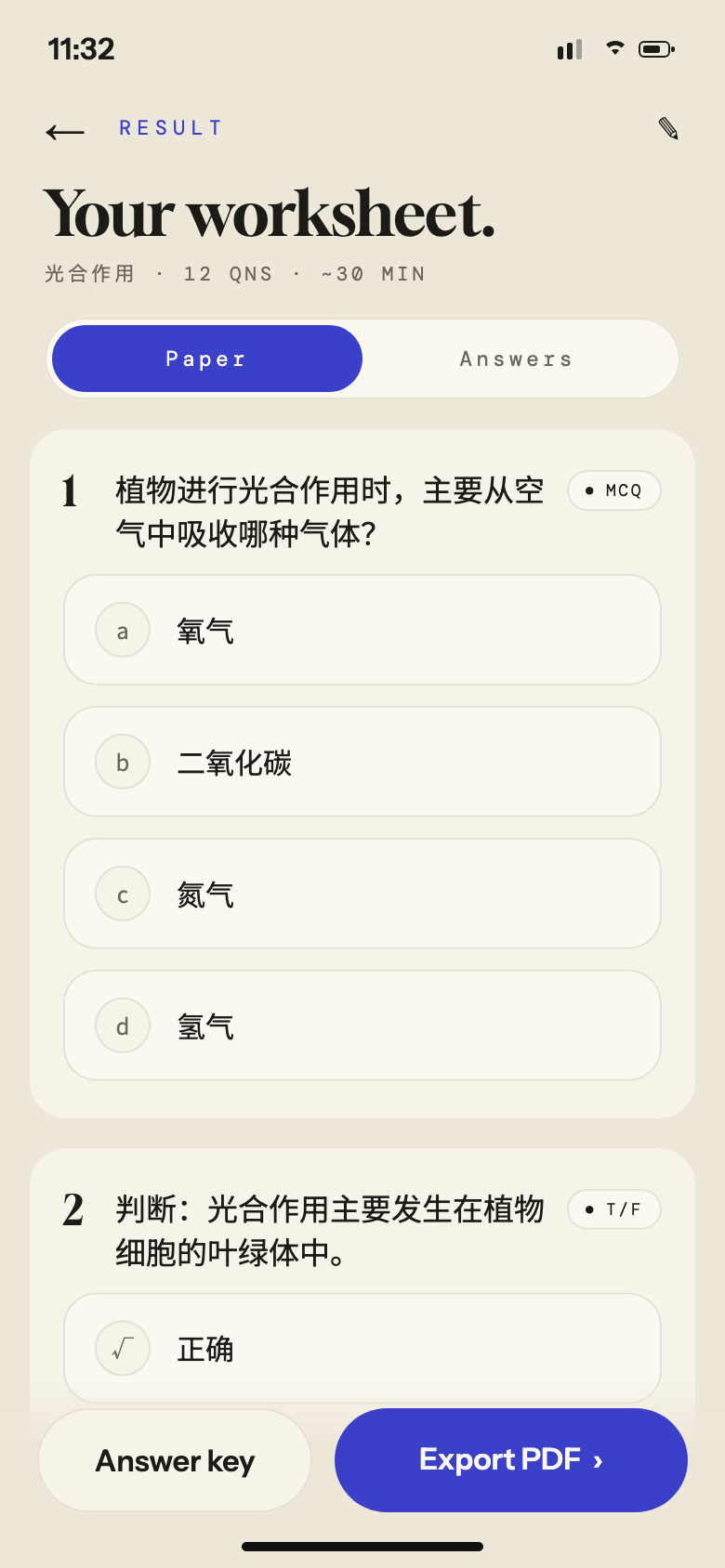
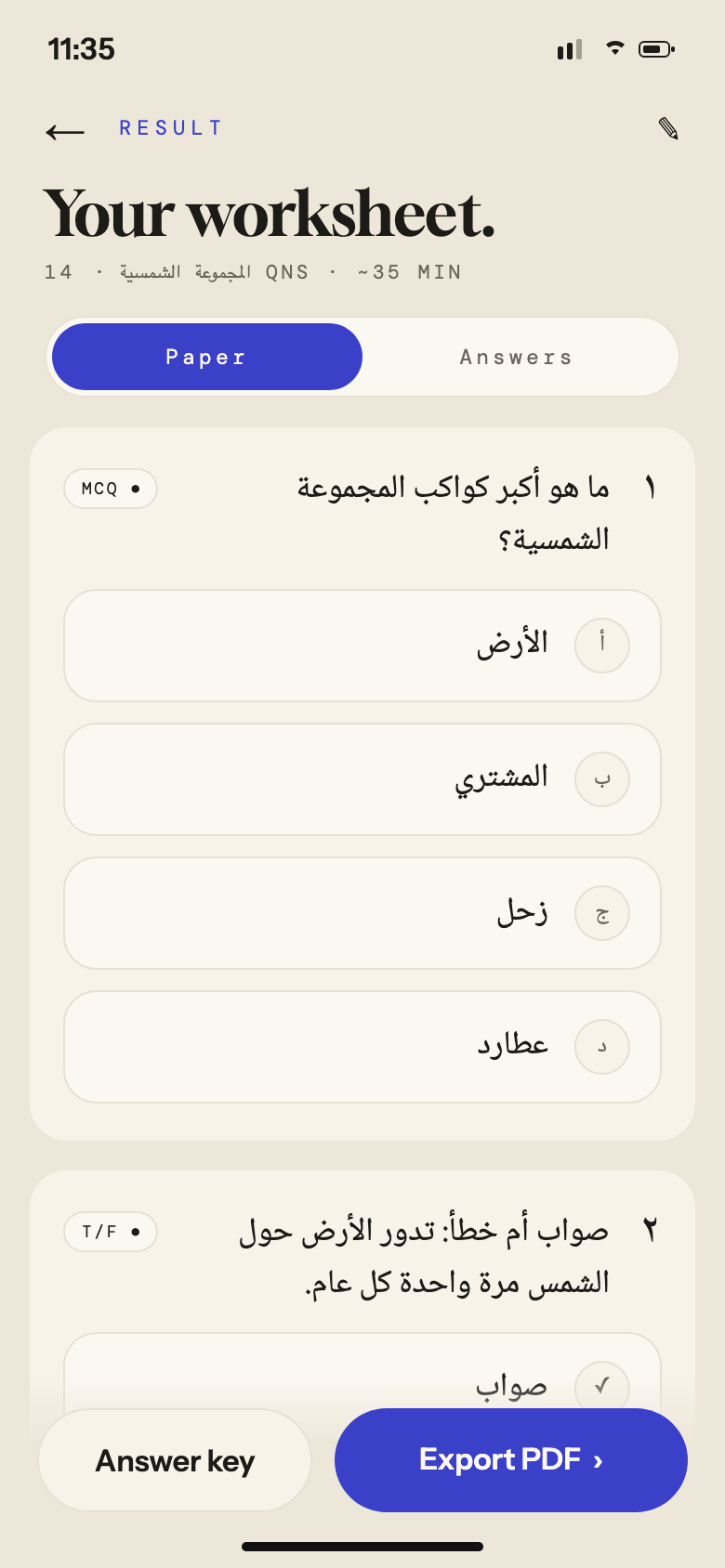
Snap a photo of any textbook, lesson, or PDF — in any language. SheetGenie turns it into a clean, professional worksheet: print it, or share it as an online test that grades itself.


FOR TUTORS · TEACHERS · PARENTS · iOS & ANDROID
The Sunday-night ritual
Every worksheet starts the same way: retyping questions from a textbook, wrestling with formatting, hunting for material that matches your lesson — not a generic syllabus. An hour later you have one worksheet. And you need three more by Friday.
The teaching is the fun part.
The formatting is not.
How it works
STEP 01 · IMPORT
A photo, a gallery image, or a PDF — any textbook, any chapter, even handwritten notes. Or skip the page and start from just a topic.
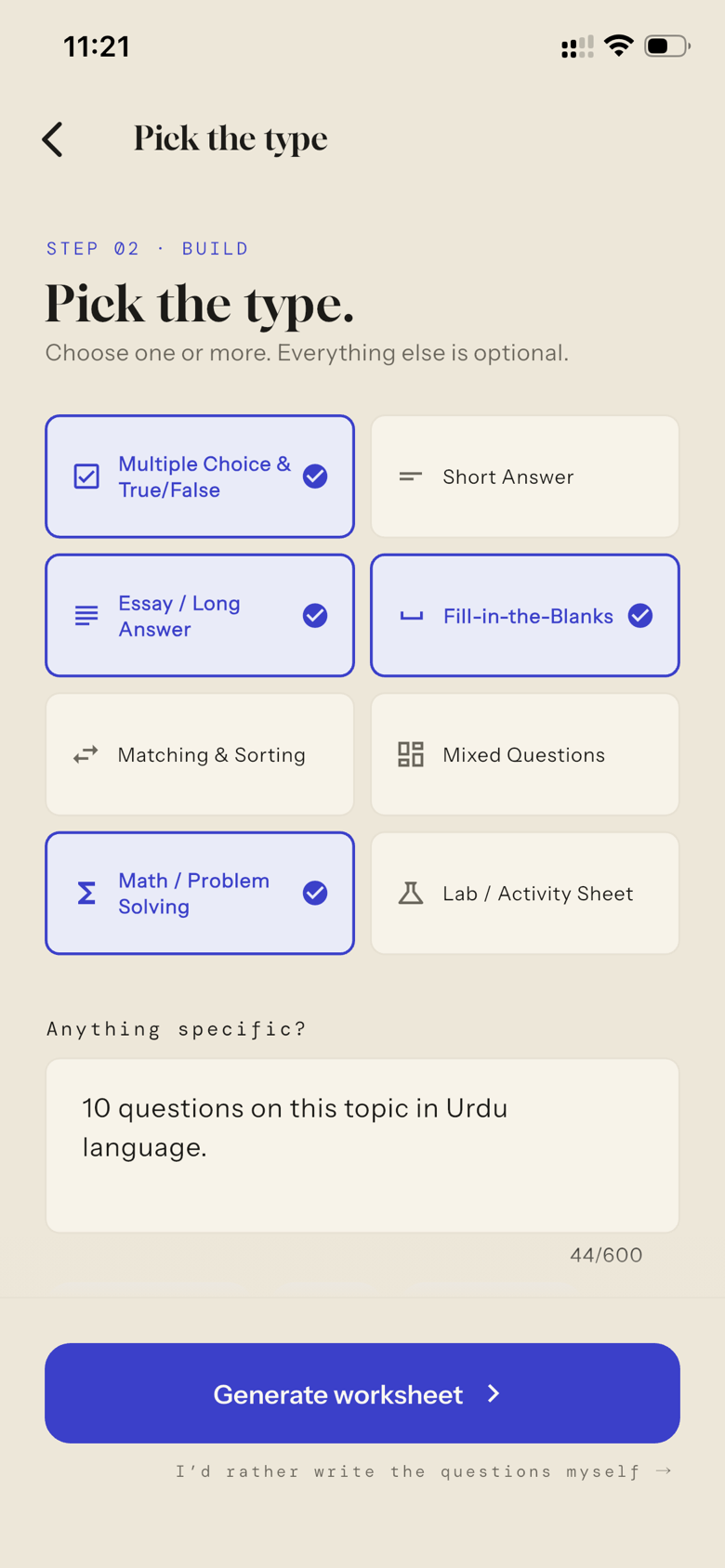
STEP 02 · BUILD
Tap a question type and add instructions in plain words — “10 questions on this topic in Urdu.” No rigid forms. No syllabus database.
STEP 03 · GENERATE
A clean, professional worksheet with an answer key — export the PDF, or share a link and let SheetGenie grade the answers for you.
See it in action
A real educator. A real textbook. No editing.
Why educators love it
What used to take an hour now takes a minute. A fresh worksheet for every lesson, every student, every day.
SheetGenie works from your textbook, your notes, your lesson — so every question matches what you actually taught.
Layouts that look like they came from a publisher. Hand them out proudly — especially if you're a tutor building your own brand.
Print for the classroom, or send a link for students to take it online with instant auto-grading. No stack of papers to mark.
Who it's for
01 · TUTORS
Custom practice for every student without doubling your prep time. Look as professional as the big academies.
02 · TEACHERS
Differentiate materials for every class level from the textbook you already use.
03 · PARENTS
Turn tonight's chapter into practice questions — no teaching degree required.
Available now
Questions
Photos from your camera, images from your gallery, or PDF and doc files — textbook pages, lecture notes, handouts, even handwritten material. Or start from just a topic, no file needed.
No — that's the whole point. SheetGenie works from whatever material you give it. No rigid data entry, no curriculum menus.
Multiple choice & true/false, short answer, essay, fill-in-the-blanks, matching & sorting, math/problem solving, lab & activity sheets, or a mix — plus free-form instructions like “make it harder” or “in Urdu.”
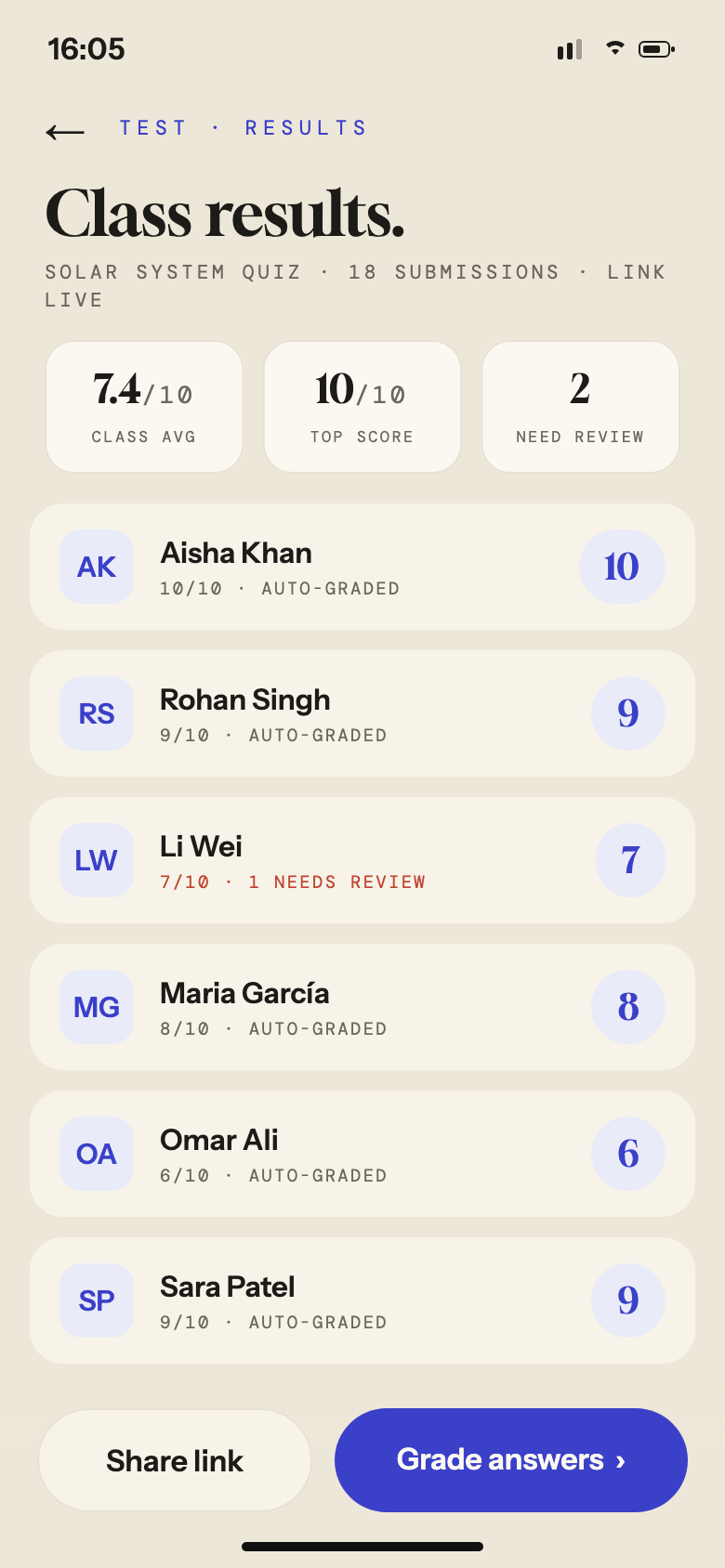
Yes. Share a link, students answer on any device, and you get auto-graded results you can review and adjust before publishing scores.
Free to try, with affordable credit packs for heavy use. Waitlist members get bonus credits at launch.
Very soon. Join the waitlist and you'll be the first to know.